Best App Controlled Holiday Lights: 2026 Buyer's Guide
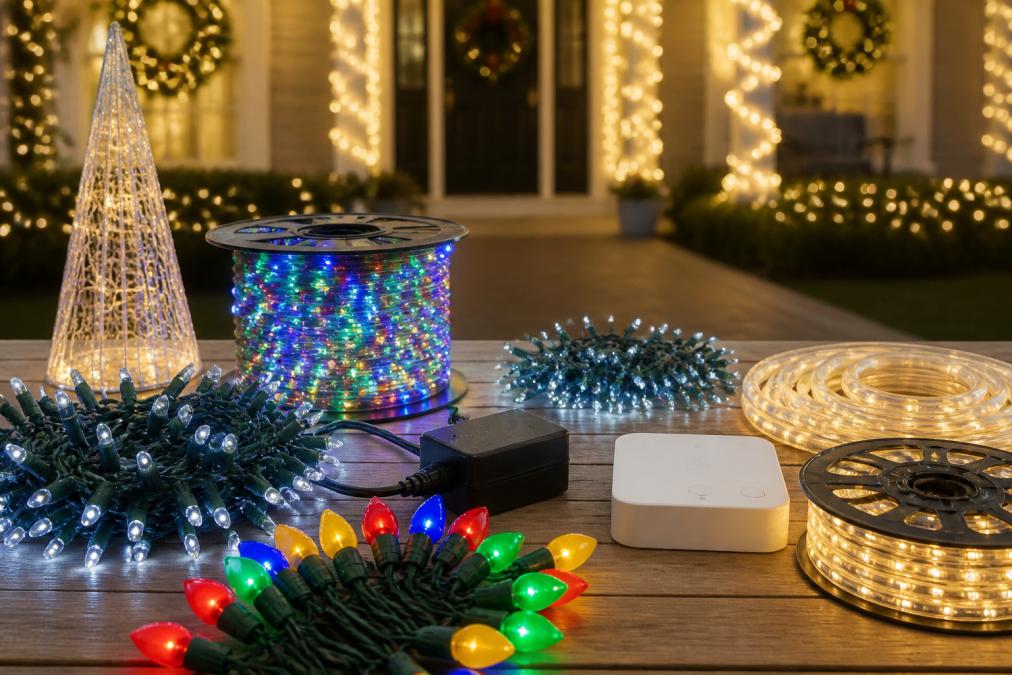
Compare the best app controlled holiday lights for 2026. Learn about smart plugs, addressable LEDs, music sync, and permanent installation options.
Table of Contents
- What Makes App Controlled Holiday Lights Worth It
- Smart Plug vs. Integrated App Control: Which Setup Fits Your Home
- Individually Addressable LEDs and Dynamic Lighting Effects
- How to Sync Permanent Lights with Holiday Music
- Permanent LED Holiday Lighting Installation: What to Expect
- Connectivity, Weather Resistance, and Troubleshooting Tips
- Power Consumption and Energy Efficiency: What to Know Before You Buy
- Conclusion
- Frequently Asked Questions
Last Updated: September 27, 2026
What Makes App Controlled Holiday Lights Worth It
The best app controlled holiday lights let you change colors, brightness, and effects from a smartphone instead of climbing a ladder to swap bulbs or reset a timer. This guide from StarLites Permanet Lights Inc. covers what separates a good system from a frustrating one.
Smart Plug vs. Integrated App Control: Which Setup Fits Your Home
The right setup depends on whether you want to control when lights turn on, or what they actually do. A smart plug handles the first; integrated app control handles both.
When a Smart Plug Is Enough
A smart plug is a Wi-Fi adapter between your outlet and a standard light string, giving you timer, remote, and voice control through your existing home automation ecosystem. If you already own traditional lights and only want them on at dusk, this is the cheapest path. The catch: one color, one effect, no per-zone scheduling or chasing patterns.
When You Need Built-In App Control
Integrated app control puts the intelligence inside the controller hardware, not the outlet, unlocking color customization, scene modes, dynamic effects, and per-zone scheduling. For permanent outdoor lighting, it is the only option that makes sense.
| Setup | Control Level | Best For | Limitations |
|---|---|---|---|
| Smart plug | On/off, timer | Existing string lights | Single color only |
| Integrated app | Color, effects, zones | Permanent systems | Higher upfront cost |
Individually Addressable LEDs and Dynamic Lighting Effects
Individually addressable LEDs are the technology behind every impressive effect. Each LED has its own microchip, so the controller commands pixel-level color changes rather than switching a whole string at once.
How to Sync Permanent Lights with Holiday Music
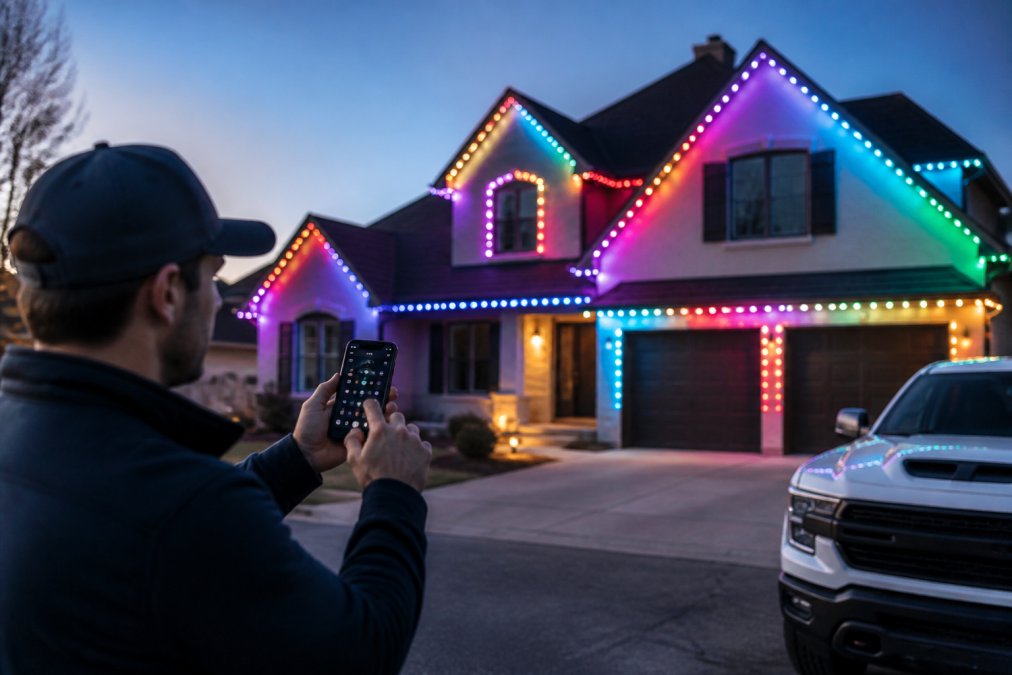
Syncing permanent lights to holiday music means feeding an audio signal into the controller so each pixel reacts to beat, volume, or frequency in real time. Most systems use a built-in microphone or an app that reads your playlist and maps effects to the track.
Music Sync Apps and Controller Hardware
The controller does the heavy lifting. A microphone-based controller listens for sound and triggers effects without wiring, easy but less precise. An app-based controller syncs to the actual audio file, so lights hit the beat exactly. For a choreographed look, app-based syncing is worth the extra setup.
Scene Modes That Match the Beat
Most apps ship with preset scene modes you can layer onto a track: pulse, strobe, wave, and fade. Match the tempo, a slow wave suits a carol, a fast strobe an upbeat pop track. Save two or three scenes per season rather than rebuilding effects from scratch.
Permanent LED Holiday Lighting Installation: What to Expect
Permanent LED holiday lighting installation means mounting a low voltage track along your roofline, running cable between sections, and connecting everything to a single controller. Done properly, the hardware stays up year-round and looks subtle when off. What separates a system that lasts a decade from one that fails in year two comes down to four things: mounting, chaining, load calculation, and connection protection.
Mounting Clips, Daisy-Chaining, and Voltage Drop
Mounting clips hold the track in place and matter more than most buyers expect. Cheap clips crack in cold weather, exactly when you need them to hold. Look for clips rated for your region's temperature swings, and prefer a metal or UV-stabilized polymer body over thin all-plastic tabs. On a typical two-story roofline you install a clip every 30 to 60 centimetres, so a few cents per clip adds up, but replacing a failed clip mid-winter costs far more in time and ladder work.
- Keep each run within the controller or power supply's stated maximum length, this is a hard limit, not a suggestion.
- Use a heavier gauge cable (lower AWG number) for longer distances, since thicker copper drops less voltage per metre.
- Power-inject long runs at both ends, or at a midpoint, rather than trying to feed everything from one connector.
- Split a long roofline into two or more independently powered zones instead of one continuous chain.
Safety and Electrical Load Calculations
Before you buy, add up the wattage of every connected section and confirm your circuit can carry it alongside whatever else is on that breaker. Low voltage systems draw less, but the total still counts, and the mistake most homeowners make is treating a low voltage system as if it draws nothing.
From there:
- Confirm the total load on the circuit, including anything else already on that breaker, stays within the circuit's rated capacity. Most residential branch circuits in Canada are rated for 15 amps at 120 volts, but you should verify what your own panel and wiring support before adding load.
- Use a power supply rated above your calculated worst-case draw, not exactly at it. A supply running at 100% of its rating runs hot and fails early; running at roughly 80% of its rating is the common rule of thumb.
- Never extend a run past the controller's rated maximum just because the cable reaches.
- If you are unsure how your panel is loaded, have a licensed electrician check it. This is not a place to guess.
What Professional Installation Actually Covers
A professional install is not just labour. It typically includes a site assessment of your roofline and circuits, a load calculation, mounting hardware matched to your soffit or fascia material, cable routing that hides the runs, and controller placement that keeps Wi-Fi signal strong. StarLites Permanet Lights Inc. supplies permanent lighting built for exactly this kind of long-term outdoor use, and can help you determine what your roofline needs before you commit.
Connectivity, Weather Resistance, and Troubleshooting Tips
Connectivity and weather resistance decide whether a system feels reliable or becomes a weekly headache. Both are specified on the box and worth checking before you buy.
Wi-Fi vs. Bluetooth and Voice Control Options
Wi-Fi connectivity lets you control lights from anywhere and integrates with Alexa, Google, and HomeKit. Bluetooth pairing works without a network but only within roughly ten metres of the controller. For permanent outdoor lighting, Wi-Fi is the better default; many systems support both, using Bluetooth for setup and Wi-Fi for daily control.
IP Ratings and Cold-Climate Performance
Waterproofing is expressed as an IP rating, and the two numbers mean different things: the first is solids (dust), the second liquids (water). IP67 means dust-tight and survives temporary immersion, the standard you want outdoors. IP65 handles water jets but not immersion; IP44 handles splashes only. Lower ratings may handle rain but fail under snowmelt or ice, because meltwater pools at connectors, refreezes, expands, and works past the seals.
Troubleshooting Connectivity Issues
If lights drop offline, work through this order. The first four steps resolve the large majority of cases:
- Confirm the controller still has power, check the supply, not just the app.
- Check whether your router is broadcasting 2.4GHz and whether the controller is on that band.
- Confirm your Wi-Fi network name and password haven't changed. A router swap or ISP modem replacement resets both.
- Check for firmware updates in the app. Many connectivity bugs are fixed in firmware, not hardware.
- Move the router, add a mesh node, or add an outdoor access point if the signal is weak at the controller.
- Inspect connections for water ingress after a storm, especially at the first connector downstream of the controller.
- Power-cycle the controller for 30 seconds, unplug, wait, replug.
- As a last resort, factory-reset the controller and re-pair it, which clears a corrupted network profile.
What to Check Before You Buy
When comparing systems, confirm four things on the spec sheet: the Wi-Fi band (2.4GHz only, or dual-band), the IP rating (IP67 for permanent outdoor use), the operating temperature range, and whether the app supports local control when the internet is down. That last one matters more than most buyers realize, a system that depends entirely on a cloud server will stop responding during an outage, while one with local control keeps working from your phone on the same network.
Power Consumption and Energy Efficiency: What to Know Before You Buy
Energy efficiency is where LED systems quietly win. LED pixels draw a fraction of the power of incandescent bulbs for the same brightness, and app brightness control lets you dim a display rather than run it flat out. A permanent system that stays up all year also avoids the repeated cost of buying and replacing cheap strings.
Conclusion
Choosing the best app controlled holiday lights comes down to matching the control level to what you actually want: a smart plug if you only need a timer, and an addressable, app-controlled system if you want color, effects, and music sync that last for years. StarLites Permanet Lights Inc. builds permanent lighting for exactly that job.
Frequently Asked Questions
Can I control my Christmas lights with my phone?
Yes. App controlled holiday lights connect through Wi-Fi or Bluetooth to a mobile app, letting you change colors, set schedules, and switch scene modes from your phone. Some systems also support voice control through Alexa, Google Assistant, or Apple HomeKit. If you already own standard lights, a smart plug can add basic on/off and timer control, but you will not get color changes or dynamic effects without built-in app-controlled hardware.
How do I sync my smart holiday lights with music?
Music sync works through the controller hardware and its companion app. The app uses your phone's microphone or a direct audio feed to detect beats and tempo, then sends those signals to the controller, which adjusts the LEDs in real time. For the smoothest results, use a system with individually addressable LEDs and a dedicated music mode. Place your phone or audio source close to the controller for accurate beat detection.
Are app-controlled outdoor lights weather-resistant for cold climates?
Look for an IP67 waterproof rating, which means the lights are protected against dust and can withstand immersion in water up to one metre for 30 minutes. That rating also covers rain, snow, and ice buildup. In freezing temperatures, cheaper clip-on systems often become brittle and slip off. Permanent mounting hardware with corrosion-resistant clips holds up better through freeze-thaw cycles. Check that the controller and power supply are also rated for outdoor use.
What is the difference between addressable LEDs and standard smart lights?
Standard smart lights change color as one block, so every bulb on the strand shows the same color at the same time. Individually addressable LEDs let you control each bulb or pixel separately, which enables chasing effects, gradients, and patterns that move along the strand. Addressable systems need a more advanced controller and typically cost more, but they deliver the dynamic lighting effects most people picture when they think of app controlled holiday lights.