How to Maintain Permanent Holiday Lights: 2026 Guide
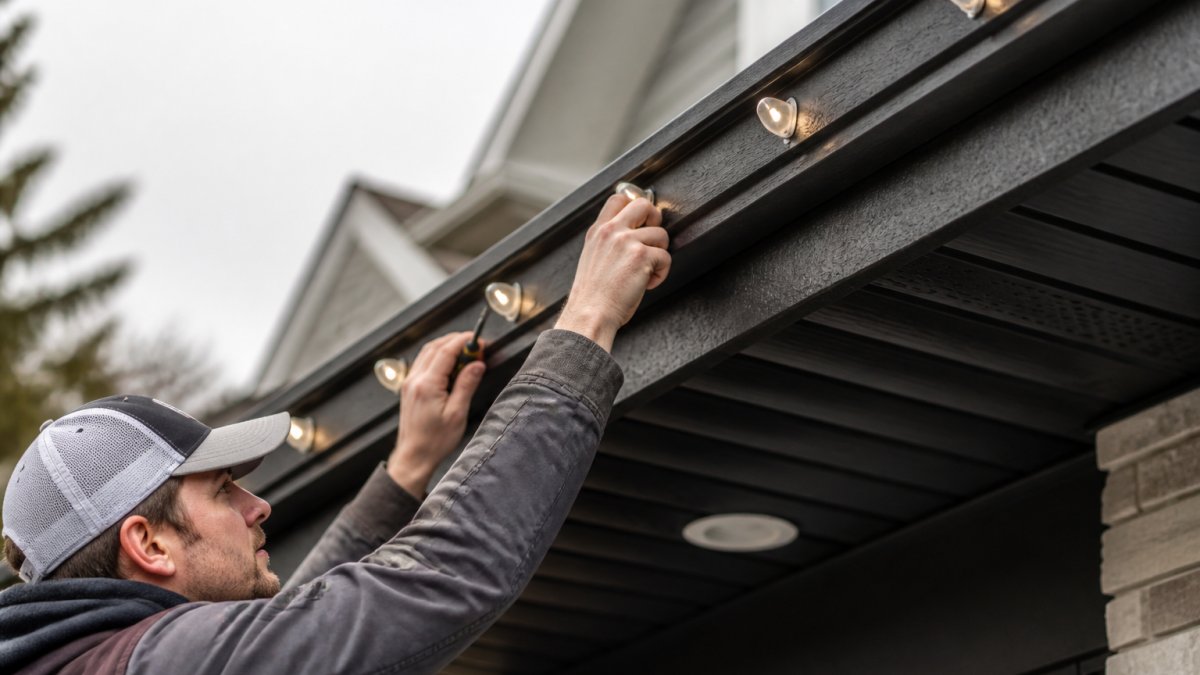
Learn how to maintain permanent holiday lights year-round. Get expert tips on cleaning LED tracks, troubleshooting controllers, and replacing nodes.
Table of Contents
- What You'll Need Before You Start
- Seasonal Maintenance Checklist for Permanent Holiday Lights
- Cleaning Outdoor LED Lighting Tracks and Fixtures
- Permanent Holiday Light Troubleshooting: Controllers, Power, and Pixels
- How to Replace Individual LED Nodes
- Long-Term Electrical Safety Audits
- Conclusion
- Frequently Asked Questions
Last Updated: September 30, 2026
What You'll Need Before You Start
Maintaining permanent holiday lights is simpler than most people expect, but the right tools make all the difference. Maintaining permanent holiday lights is simpler than most people expect, but the right tools make all the difference.
Gather these before you touch anything:
- A sturdy ladder rated for your roof height
- A soft microfiber cloth and mild soapy water
- A non-contact voltage tester
- Dielectric grease for connections
- Replacement LED nodes and spare fuses
- A phone with your lighting app installed
One warning before you climb: always switch off power at the breaker first.
Seasonal Maintenance Checklist for Permanent Holiday Lights
A structured seasonal routine is the single biggest factor in how long a permanent lighting system lasts. Most failures trace back to a missed task in one of four windows, not to defective hardware. The checklist below is built around the realities of a northern climate, where freeze-thaw cycles, road salt, and UV exposure do most of the damage.
Spring (After the Last Freeze): Post-Winter Inspection
Winter is the hardest test for any outdoor lighting system. Once the snow clears and daytime temperatures stay above freezing, walk the full run and look for:
- Cracked or yellowed lens covers
- Loose mounting channel clips, especially on south-facing eaves
- Water sitting in the junction box or controller housing
- Frayed wiring harness sections where snow load pulled the run
- Rodent gnaw marks near the soffit and foundation line
Fix small problems now.
Summer (Mid-Season): Heat and UV Check
Heat is the quiet killer of LED systems. On a warm afternoon, check:
- Power supply temperature, it should be warm, not hot to the touch
- Track color for yellowing or chalky residue, a sign the UV coating is breaking down
- Weep holes for clogs from pollen and insect nests
- Controller firmware version against the manufacturer's latest release
Fall (Before the Season): Pre-Season Prep
Before the season starts, test every zone from your controller. Then:
- Tighten all mounting hardware
- Apply dielectric grease to exposed connectors
- Clear debris from the soffit and eaves
- Confirm the GFCI outlet trips and resets
- Verify the timer or schedule matches the new season's daylight hours
Winter (During the Season): Light-Touch Monitoring
Avoid climbing ladders in ice and snow. Instead:
- Watch for zones that dim or flicker as temperatures drop
- Note any color drift in a single node, which often precedes a full failure
- Keep snow load off the track with a soft broom from the ground where reachable
- Log any app disconnects so you can spot a pattern
Annual Task Calendar
| Season | Primary Focus | Time Required |
|---|---|---|
| Spring | Post-winter inspection and repairs | 45-60 min |
| Summer | Heat, UV, and cleaning | 60 min |
| Fall | Pre-season prep and testing | 30-45 min |
| Winter | Monitoring and light snow removal | 10 min per check |
A twice-a-year deep routine plus light winter monitoring keeps permanent holiday lights bright and extends their lifespan well past the typical rated hours.
Cleaning Outdoor LED Lighting Tracks and Fixtures
Cleaning outdoor LED lighting tracks takes about an hour for a typical home and prevents the dirt buildup that dulls output. Dust, pollen, and road grime block light and trap moisture against the housing.
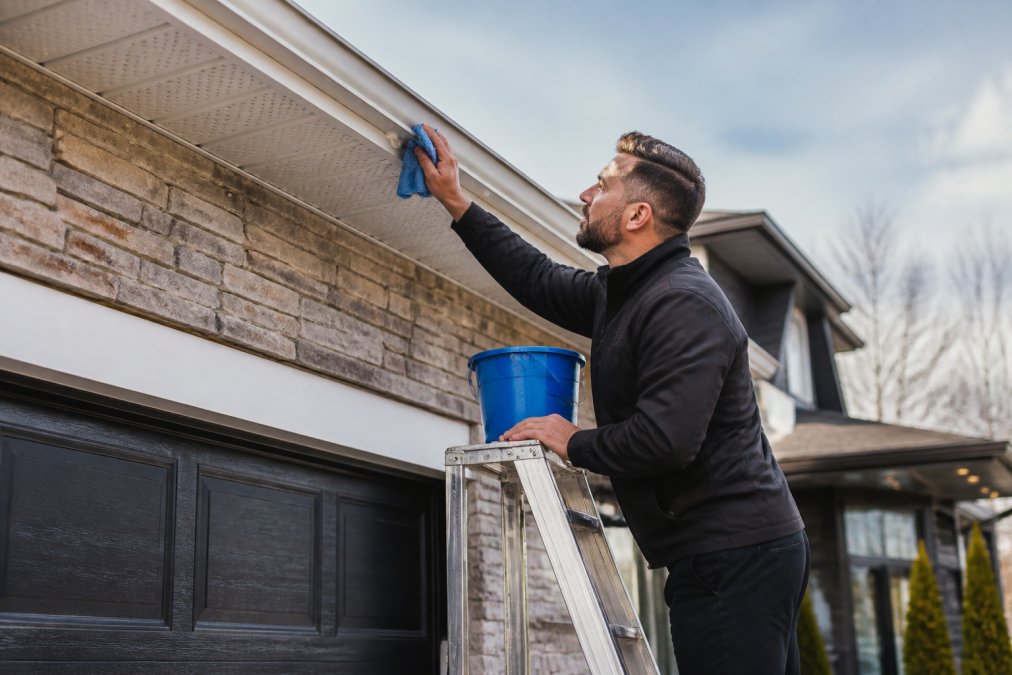
Work in this order:
- Cut power at the breaker.
- Brush off loose debris with a dry cloth.
- Wipe each track with mild soapy water.
- Dry every surface completely.
- Check that weep holes stay clear.
Permanent Holiday Light Troubleshooting: Controllers, Power, and Pixels
Most permanent holiday light troubleshooting comes down to three culprits: the controller, the power supply, or a failed pixel. Work through them in that order, because a power problem will mimic a controller problem and a controller problem will mimic a pixel problem.
Step 1: Isolate the Zone
Before touching anything, identify which zone is failing. If one zone is dark and the rest are fine, the issue is local, a connector, a node, or that zone's power injection. If multiple zones fail together, the problem is upstream at the controller or main power supply.
Step 2: Diagnose Controller and App Connectivity Issues
App and controller failures are the most common search topic and the least documented. Work through these in order:
- Power: Confirm the controller's status light is on. No light means no power, check the outlet, the GFCI, and the low-voltage cable.
- Network band: Most controllers connect on 2.4 GHz only. If your router broadcasts a combined 2.4/5 GHz SSID, split them or create a dedicated 2.4 GHz network for the controller.
- Signal strength: A controller mounted under a metal soffit can lose Wi-Fi signal. Move the router, add a mesh node, or use a controller with an external antenna.
- Firmware: A controller that keeps dropping usually needs a firmware update, not a replacement. Check the manufacturer's app for the current version.
- App cache: If the app shows the controller as offline but the lights respond to the physical remote, clear the app cache or reinstall it before assuming hardware failure.
Step 3: Fix Flickering, Dimming, and Voltage Drop
Flickering almost always signals voltage drop. Long runs lose power toward the end, so the last nodes dim first.
Other symptoms and their likely causes:
- Whole zone dark: power supply failure or a tripped GFCI
- One color missing: a data line issue, not a power issue
- Random flicker across all zones: controller firmware or a loose main connector
- Dimming that worsens in cold weather: undersized power supply or a failing capacitor
Step 4: Repair Individual Pixel Failures
A single dead or wrong-color node does not mean replacing the strand. Most systems use replaceable nodes that clip into the wiring harness.
- Note the node's position and cut power at the breaker.
- Pull the failed node from its mounting channel.
- Unclip the old node from the wiring harness.
- Plug in the new node, matching the arrow direction on the connector.
- Press it back into the channel and test the zone.
When to Call a Professional
Call a licensed electrician for anything involving the panel, a new circuit, or a hardwired power supply. Low-voltage node and connector repairs are safe to handle yourself once the breaker is off and confirmed dead with a non-contact voltage tester.
How to Replace Individual LED Nodes
Replacing a single LED node is a 10-minute job and saves you from swapping an entire strand. Here's the process:
- Note the node's position and cut power.
- Pull the failed node from its mounting channel.
- Unclip the old node from the wiring harness.
- Plug in the new node, matching the arrow direction.
- Press it back into the channel and test the zone.
Long-Term Electrical Safety Audits
An annual electrical safety audit catches the problems that cause failures and, worse, fire risk. Book one every year, ideally before the season.
What a proper audit covers:
- Checking the power supply unit for heat damage
- Testing the GFCI outlet and every junction box
- Inspecting wiring harness insulation for cracks
- Confirming the circuit load stays within limits
- Reviewing corrosion prevention on all outdoor connections
Conclusion
Permanent lighting systems reward a little attention each season. Clean the tracks, test the controller, fix flickering early, and audit the electrical side once a year. That routine keeps your display looking sharp.
Frequently Asked Questions
How long do permanent holiday lights last?
Most quality permanent holiday lights last between 10 and 15 years, depending on the LED component quality and how well you maintain them. The LEDs themselves can last 50,000 hours or more, but the wiring, connectors, and power supply may degrade sooner. Regular maintenance like cleaning the tracks and checking for corrosion helps you get the full lifespan from your system.
Do permanent holiday lights require seasonal maintenance?
Yes, permanent holiday lights need at least two maintenance sessions per year: a spring inspection after winter to check for damage, and a fall prep session before the holiday season. This includes cleaning the LED tracks, checking connections, testing the controller, and verifying the power supply. Skipping these steps can lead to flickering lights, dead pixels, or electrical issues when you need the system most.
How do I troubleshoot flickering permanent LED lights?
Start by checking the power supply and connections for loose wiring or corrosion. If the flickering is isolated to one section, inspect that segment for damaged nodes or moisture in the connectors. Voltage drop over long runs can also cause flickering, so verify your wiring harness matches the length of your installation. If the issue persists, check for firmware updates for your controller through the app.
What is the best way to clean permanent exterior lighting tracks?
Turn off the power first, then use a soft microfiber cloth dampened with mild soapy water to wipe down the tracks and fixtures. Avoid abrasive cleaners or pressure washers, which can damage the weatherproof seals and UV-resistant coating. For stubborn buildup, a soft-bristle brush works well around the mounting channel. Dry everything thoroughly before restoring power to prevent moisture-related issues.
Keeping permanent holiday lights in top shape comes down to a simple routine, but the right system makes it easier from day one. StarLites Permanet Lights Inc. builds systems designed to hold up through Canadian winters, with weatherproof tracks, app-controlled color options, and mounting hardware made to stay put. When you're ready to upgrade your curb appeal with lighting that lasts, get started with StarLites Permanet Lights Inc. and enjoy a display that works as hard as you do.