Smart Holiday Lighting System Setup: A Step-by-Step Guide
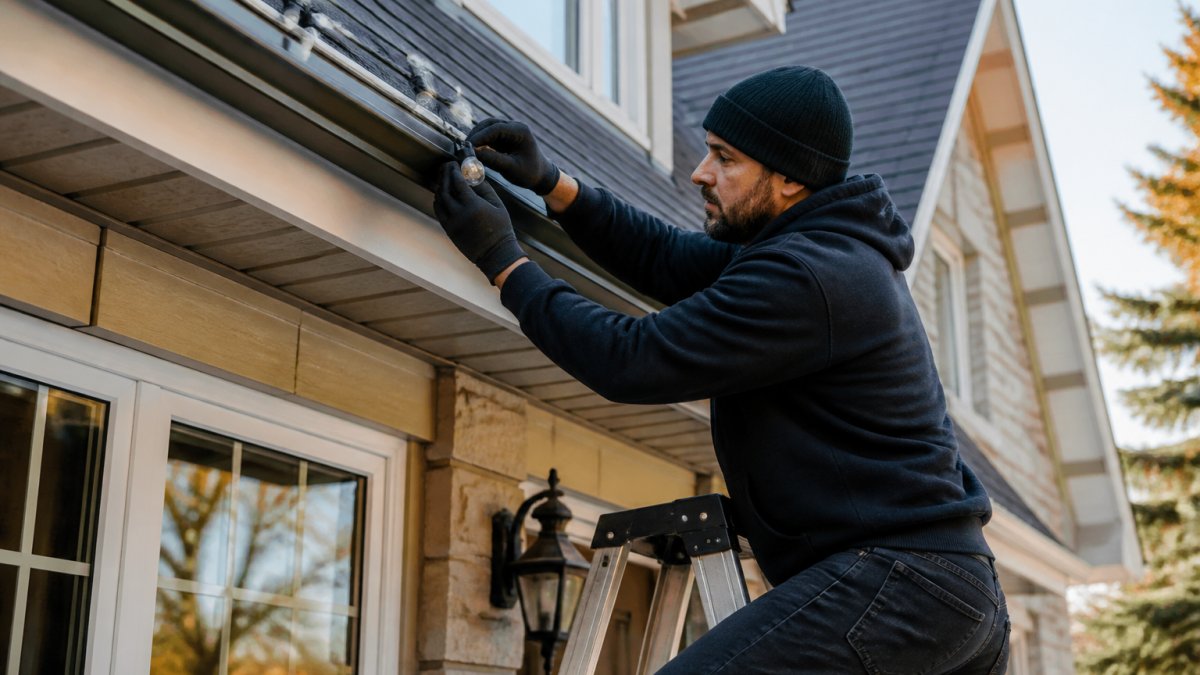
Learn how to set up a smart holiday lighting system with our step-by-step guide. Mount lights, connect Wi-Fi, and automate your display in minutes.
Last Updated: October 10, 2026
What You'll Need Before Installing Your Smart Holiday Lighting System
Gather LED light strips, a control box, weatherproof mounting clips, connectors, and a power supply rated for your total wattage, all outdoor-rated for Canadian winters. Measure your roofline, identify wiring routes, verify your home's electrical capacity, and download the mobile app before installation day.
Smart Christmas Lights Setup: Mounting and Connecting Your Lights
Clean surfaces with a dry cloth to ensure adhesive clips hold properly in cold weather.
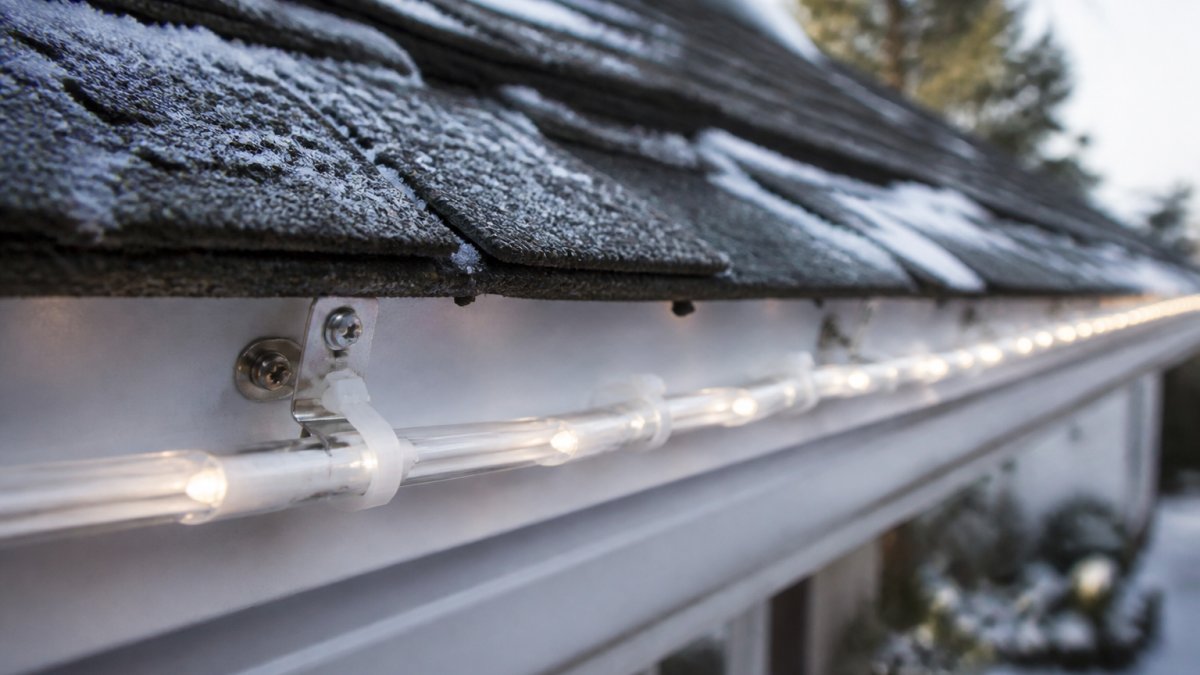
Position mounting clips every 30 centimeters along your roofline and press each firmly for 30 seconds.
Connect light segments with waterproof connectors, ensuring each clicks securely to prevent flickering, and tuck wiring behind gutters.
Attach the control box under an eave or protected cabinet, away from standing water.
Connecting Your Lights to Wi-Fi and Setting Up the Mobile App
Open your mobile app, select "Add Device," and scan the QR code on the control box to connect your smart holiday lighting system setup. Ensure your router is within range, follow the setup wizard, and test your lights through the app. Create automation schedules to turn lights on at dusk and off at midnight.
A smart holiday lighting system setup transforms your home into a festive showcase you control from your phone.